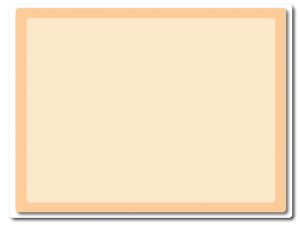
メッセージウィンドウを表示します。
- 右上のレイヤーウィンドウで新規レイヤー “Popup” を追加し、Properties → Parallax 0, 0
- Popup レイヤー上の画面中央に window.png を配置
- gameover.png と levelcomplete.png を一緒に画面(ウィンドウの上側)に配置(重ねて表示される)
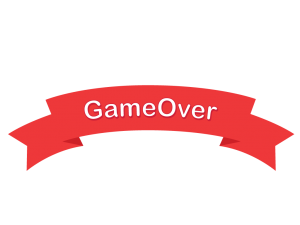
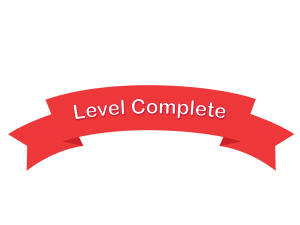
- GameOver または Level Complete を右クリックして Edit animations
- GameOver: 0フレーム目、Level Complete: 1フレーム目
- Animations ウィンドウのDefault を選択し、Properties → Speed: 0(Edit image ウィンドウを閉じる)
- Layout に戻り、Properties → Initial Frame: 1